
Remove the background from an existing signature
Choose a signature
24 signature directions ready
Simple first, powerful next
Compare Handwritten Signature Styles for Your Name
Start with enough variety to make a confident choice. The full editor stays one click away instead of competing with the first task.
Compare 24 signature styles
Real fonts, structures, and flourishes make the first result set worth scanning.
Customize the details you care about
Adjust structure, slant, spacing, stroke, color, and flourishes only when needed.
One design, multiple jobs
Carry your selection into practice, logo, cleanup, and photo workflows.
One signature, multiple jobs
Tools to Edit, Practice, and Reuse Your Signature
Carry the same signature from exploration to practice, cleanup, and finished images.
Create, refine, and use your signature
How to create a signature online
Start by typing your name or drawing the signature you already use. Typed mode gives you 24 distinct combinations of handwriting fonts, name structures, spacing, slant, and flourishes. Drawing mode gives you a clean browser canvas for a natural mark. Compare the results, choose the direction that feels recognizable and repeatable, then open the editor only if you want finer control. You can change the ink color, layout, stroke, spacing, and flourish without rebuilding the design from scratch. When it is ready, download a transparent PNG that can sit over a document or image. Try the result at both large and small sizes before saving it. A useful signature should still feel distinctive when reduced for a form, email footer, or photo credit, and it should remain simple enough to reproduce consistently by hand.
- 1. Type or draw. Enter the name you want to sign, or switch to the drawing pad and write it by hand. Nothing is uploaded to a server.
- 2. Choose a style. Compare full-name, initials, compact, expressive, and minimal directions. Look for a shape you can recognize at small sizes.
- 3. Customize. Adjust only what improves the result: font, structure, spacing, slant, color, stroke, or flourish. Keep the signature legible and consistent.
- 4. Download a transparent PNG. Save the finished signature locally, then insert it where an image signature is appropriate.
Compare Handwritten Signature Examples
These fixed examples use a fictional name to show full-name, initial-and-surname, and expressive choices. Compare the structure, then explore signature ideas for your own name. These examples are separate from your live results above.
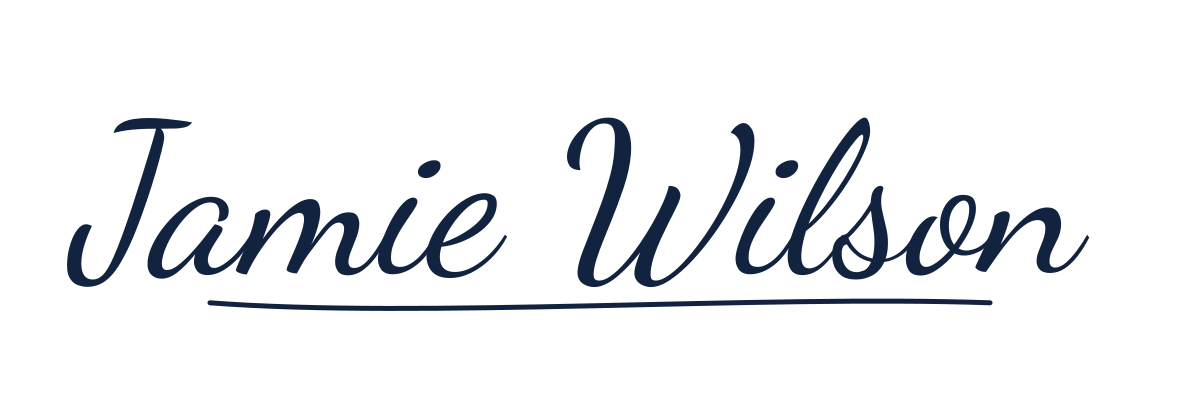
Professional full name
Keep the full name readable; use one underline instead of several flourishes.
Try this example in the editor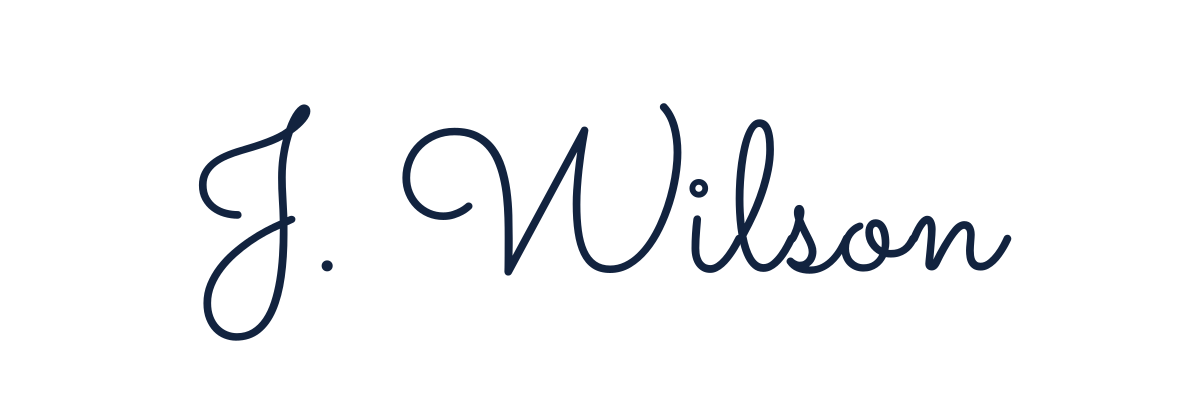
Minimal initial and surname
Shorten a long first name while keeping the surname easy to recognize.
Try this example in the editor
Artistic full name
Compare the expressive loop at small size before choosing it for a form.
Try this example in the editorHow to Use a Transparent Signature PNG
A transparent signature PNG is useful when a document or design needs a visual mark. Add it to a PDF form with your preferred PDF editor, place it in Microsoft Word or Google Docs, or resize it for an email signature. Creators can use a signature-style mark on portfolio images, social graphics, presentations, and personal-branding materials. The background remover can clean up a photographed ink signature, while Add Signature to Photo positions a generated or uploaded signature directly on an image. For contracts and regulated workflows, confirm whether the recipient requires a certificate-based electronic signature rather than an inserted image.
Signature generator FAQ
Is the signature generator free?
Yes. You can type or draw a signature, compare styles, customize a result, and download a transparent PNG without paying or creating an account.
Do I need to create an account?
No. The generator, drawing pad, editor, and download workflow work without registration.
Is my name or signature uploaded?
No. Signature creation and export run in your browser. Your typed name, drawing, and imported images are not sent to a SignatureOdyssey server.
Can I download a signature with a transparent background?
Yes. Download PNG creates a transparent image that can be placed in documents, presentations, email signatures, and image editors.
Can I draw my own signature?
Yes. Choose Draw your signature on the first workspace to use the handwriting pad, then download or continue editing the result.
Can I use the result in PDF, Word, or Google Docs?
Yes. Insert the downloaded PNG as an image and position or resize it in the document. A visual signature image is not the same as a certificate-based digital signature.